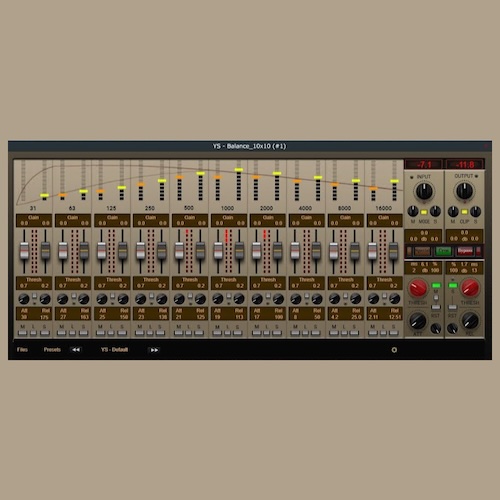
Equalizador dinâmico de dez bandas com a possibilidade de usar nos modos Esquerda-Direita, Dois mono. Canal central-lateral.
O plugin tem duas versões, estéreo e mono, para economizar recursos do processador.
youtu.be/Rgot2U_KObQ
Se os controlos não forem exibidos devido a uma placa de vídeo fraca, substitua as imagens na raiz da pasta “Resources” do plugin por imagens com menor renderização
da pasta 101 . Por predefinição, todos os elementos estão configurados para uma transição suave com o quadro 201.
The purpose of this alpha build is to test the core features of Audacity 4 on a wide selection of hardware and operating systems.
Alpha 2 contains further work to bring Audacity 4 to feature parity with Audacity 3, as well as important bug fixes.
A note on compatibility
Projects saved in Audacity 4 are not backwards compatible. We recommend you make a copy of your important projects before opening them in Audacity 4.
What's implemented
Recording and playback
Editing audio
Applying destructive and real-time effects
Exporting audio files
Saving and recalling custom Workspaces
What's not implemented
Some yet-to-be finalized features might appear non-functional, or have been excluded from Audacity's interface. These are features not yet ready for user testing, and have been disabled.
Nyquist, LADSPA and VAMP and the OpenVINO plugins
Preferences from Audacity 3 are not carried over
Envelopes and label tracks
Spectrogram view and the spectral editing mode
Most built-in effects, including generators and analyzers
Opening multiple projects at the same time
Notable changes since alpha-1
Allow track range selection using Shift-Enter (#9600)
Record from anywhere (#9540)
Export loop region (#9489)
Preference for paste behavior (#9612)
Preference for whether clicking on ruler should trigger playback (#9707)
Create loop region only when Control / Cmd key is pressed (#9712)
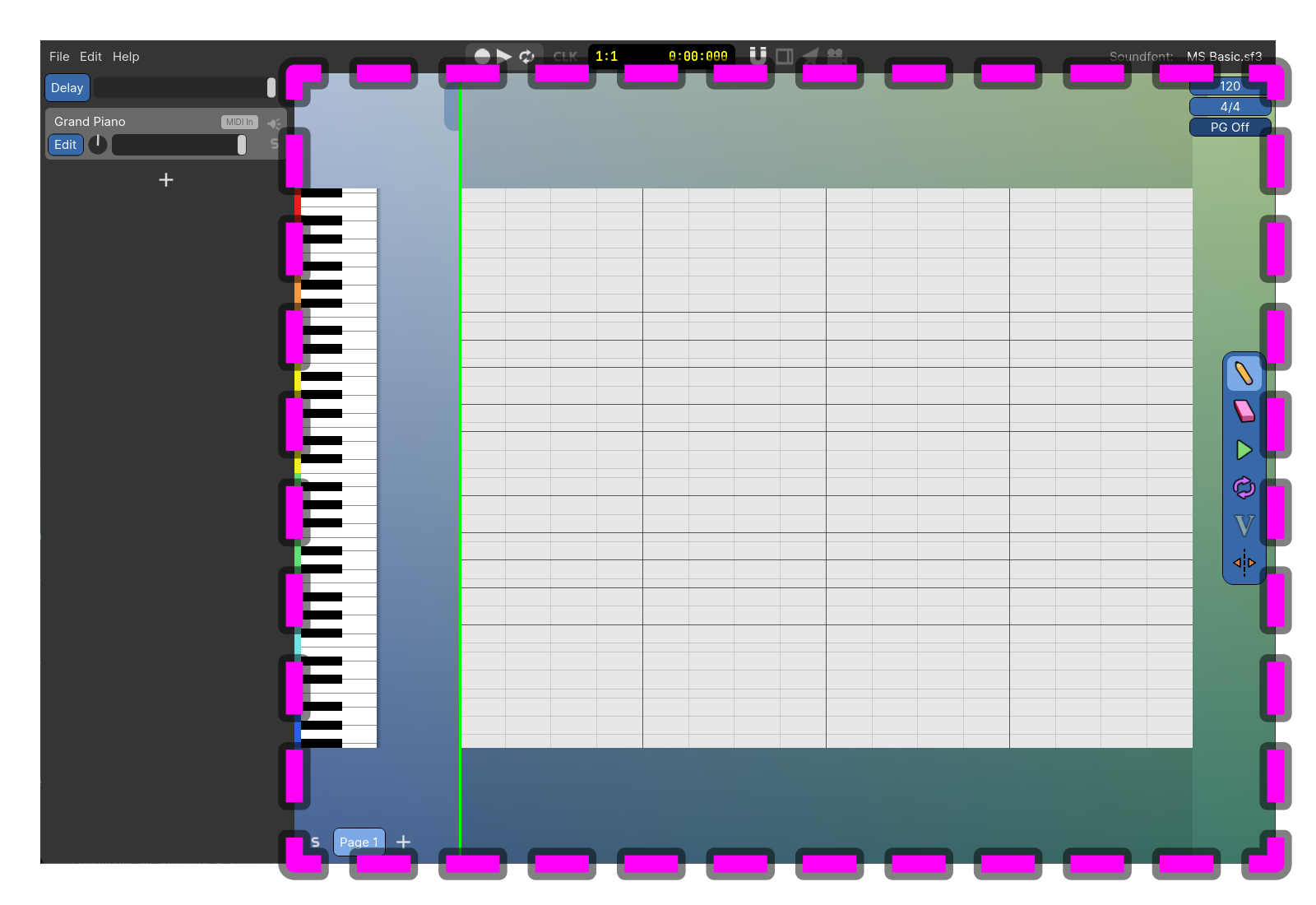
Power composer is an easy to use program for making music with MIDI and Soundfonts. You can start making music immediately by clicking in the Note Area to create Notes and then pressing the Play Button.